
アプリケーションの説明
Here's a clear, concise, and user-friendly summary of the BlueDriver® OBD2 Scan Tool based on your provided information — perfect for use in product descriptions, websites, or customer support materials:
🔧 BlueDriver® Pro OBD2 Scanner – Advanced Vehicle Diagnostics Made Simple
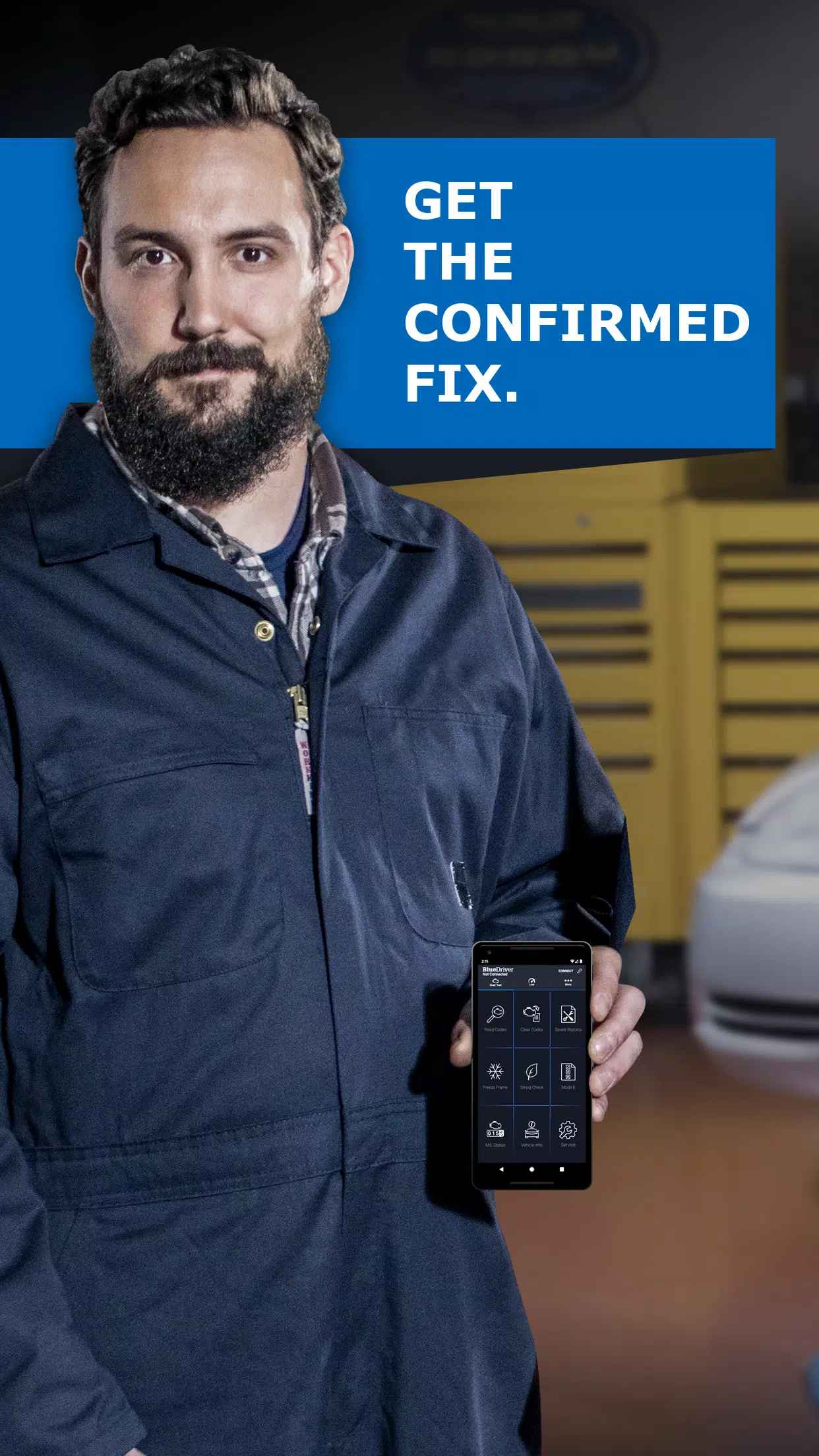
Whether you're a professional mechanic, automotive enthusiast, or everyday driver, the BlueDriver® Pro OBD2 Scanner delivers expert-level diagnostics with ease. Trusted by thousands, it’s your go-to tool for accurate, actionable insights into your vehicle’s health — especially when the Check Engine Light comes on.
✅ Key Features
-
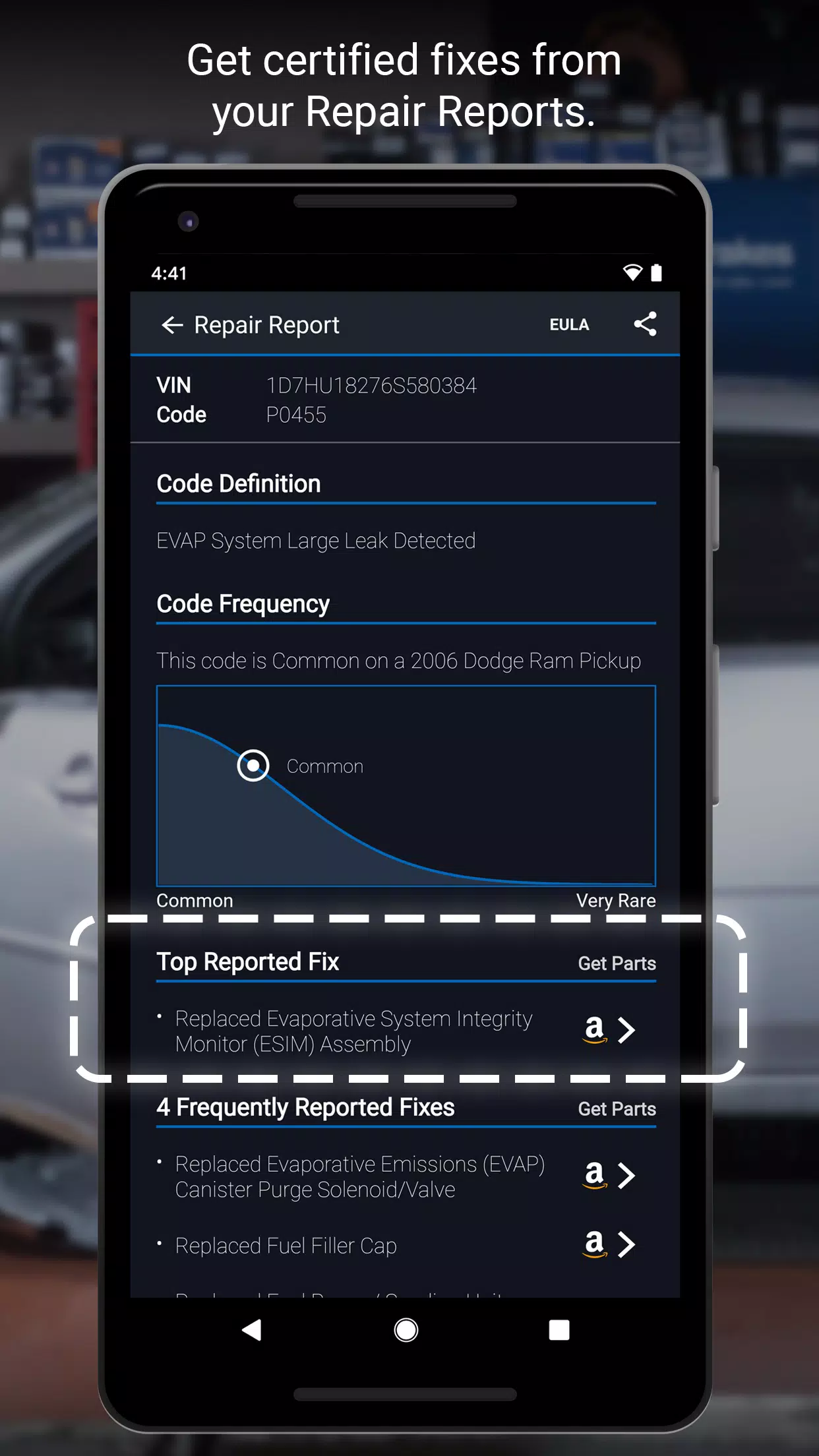
Smart Repair Reports™ (Powered by 30M+ Verified Fixes)
Get vehicle-specific, step-by-step repair solutions ranked by effectiveness — no more guessing. See what actually works for your exact year, make, and model. -
Comprehensive Diagnostic Capabilities
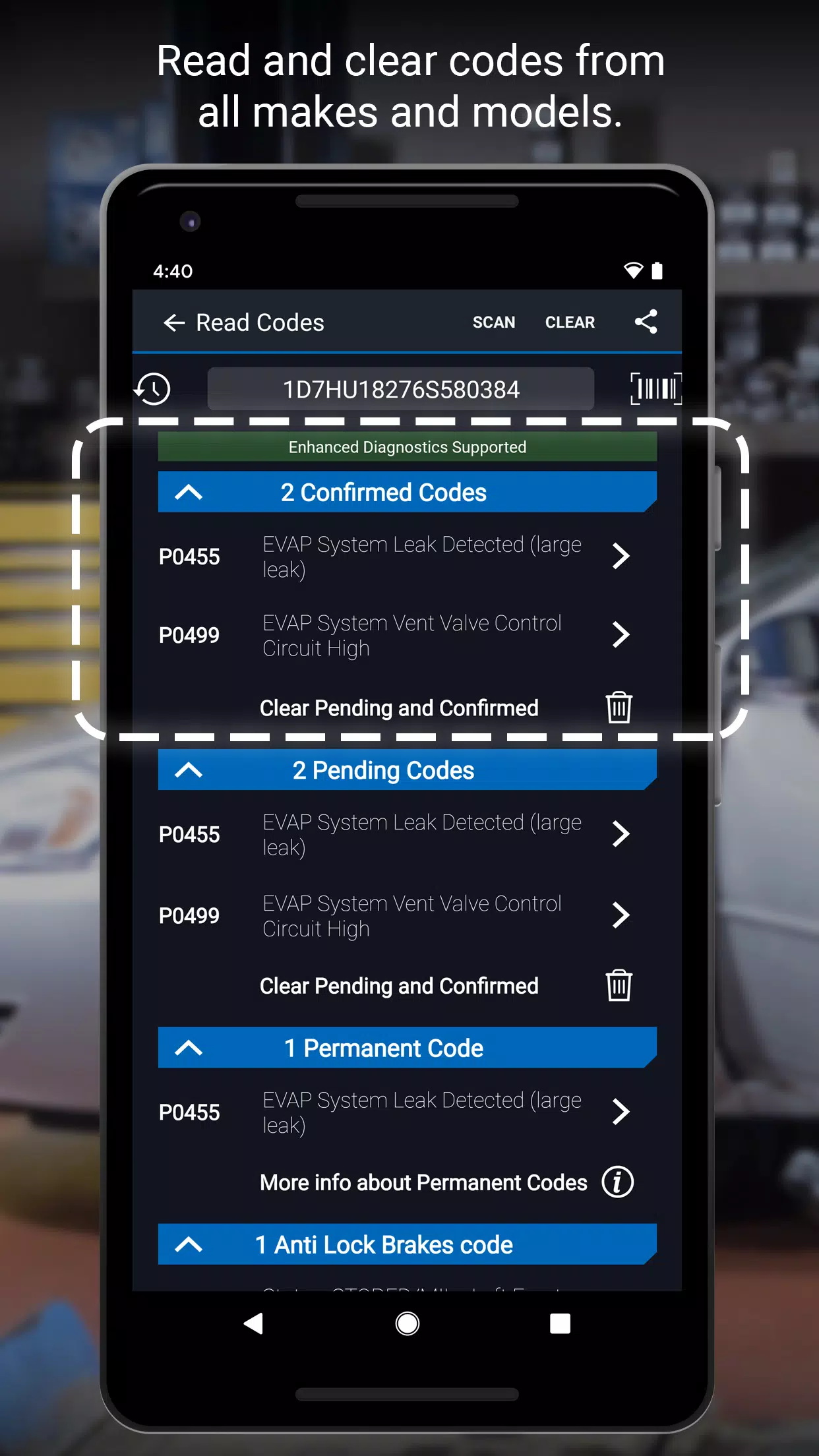
- Read and clear DTCs (Diagnostic Trouble Codes)
- View freeze frame data
- Perform emissions readiness checks
- Access Mode 6 On-Board Monitoring Test Results
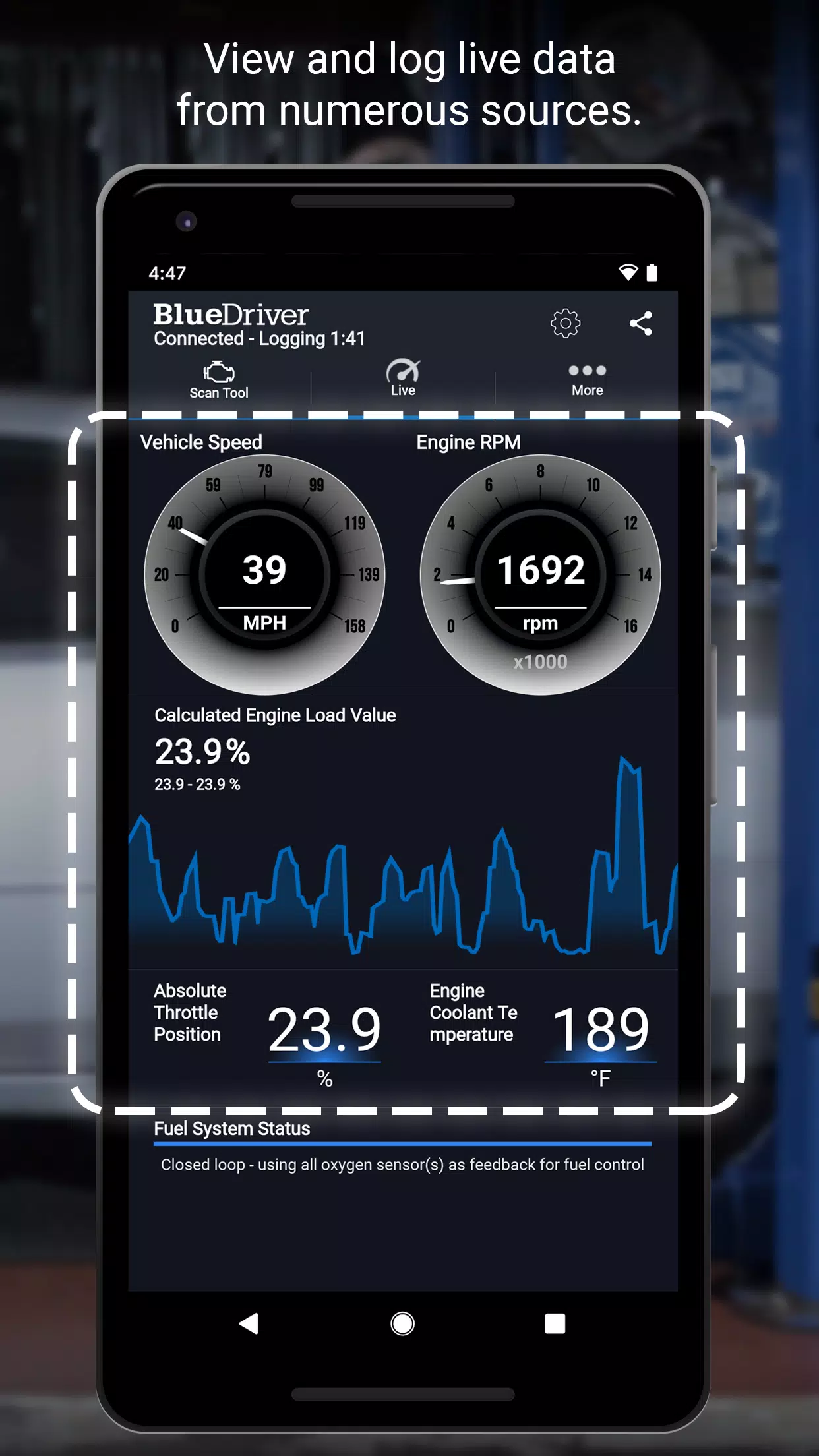
- Real-time data streaming with interactive graphing & logging
-
Advanced System Diagnostics Supports critical systems including:
- ABS (Braking)
- Airbag (SRS)
- Transmission (including shift quality & solenoid tests)
Compatible with:
- GM, Ford, Chrysler, Toyota, Nissan, Mazda, Mercedes (2005+), Mitsubishi (2008+), Hyundai/Kia (2012+)
- BMW/Mini, Honda/Acura, Volkswagen/Audi (North American models)
- Subaru (U.S. models only)
-
Wireless Bluetooth® Connectivity
Connects instantly to your smartphone or tablet (iOS & Android) via the free BlueDriver App. -
Dual Unit Support
Choose between metric and imperial measurements — perfect for global users. -
Print & Share Repair Reports
Generate, print, and email detailed reports — ideal for sharing with mechanics or keeping a maintenance log.
📱 How It Works
- Plug the BlueDriver Sensor into your vehicle’s OBD2 port (located under the dashboard, near the steering wheel — standard in all vehicles built after 1996).
- Pair via Bluetooth® with the free BlueDriver App.
- Read codes, analyze data, and get instant repair guidance using the Repair Report Database.
- For full functionality, the BlueDriver Bluetooth OBD2 Sensor is required (sold separately — available in the app’s “More” tab or at www.BlueDriver.com).
💡 No Sensor? No Problem.
You can still generate basic Repair Reports by manually entering your VIN and DTC — great for research or when sharing diagnostics.
🌍 Global Vehicle Compatibility
Works with over 99% of vehicles manufactured after 1996, including most North American, European, and Asian models.
📢 Join the BlueDriver Community
- Follow us: Facebook.com/BlueDriver.f
- Tweet us: @BlueDriver_tw
🔄 Latest Update: Version 7.14.2 (November 9, 2024)
- Improved app performance and responsiveness
- Enhanced stability for real-time data logging
- Smoother report generation and user navigation
🛠️ Why Choose BlueDriver?
Unlike generic scanners that only show code definitions, BlueDriver gives you the repair — not just the error. It’s the only OBD2 tool that combines expert diagnostics, deep vehicle compatibility, and actionable repair data in one sleek, wireless package.
👉 Get started today at www.BlueDriver.com
BlueDriver® is a registered trademark. Bluetooth® is a registered trademark of Bluetooth SIG, Inc. Use of the trademark is under license.
Let me know if you'd like a shorter version for social media, an email newsletter, or a product listing (e.g., Amazon, Walmart, eBay).
スクリーンショット
Reviews
Post Comments
最新の記事

ペンキ屋での色選び クロスワードパズルのヒント - Try Hard Guides
塗料店の色選びのクロスワードパズルの3文字の解答を持っています。このヒントは2026年6月21日のデイリーポップクロスワードのパズルで最後に確認されました。時には、解答を見つけるのに少し助けが必要になることもあります。塗料店の色選びのクロスワード解答→20. ??? 文字をクリックまたはタップして、? タイルから1文字を表示します。以下のヒント、ヒント、および情報を見つけてください。非表示 有効化 文字をクリックまたはタップして、? タイルから1文字を表示します。以下のヒント、ヒント、および情報

『 KartRider Rush+ 』、交通安全コラボで最新シーズン開始
カートライダー ラッシュ+は、刺激的な新シーズンの開始を準備していますこの祝祭は、韓国警察部隊とのユニークなパートナーシップで始まります!交通安全ルールをマスターしながら、限定のコラボレーションギアを集めようカートレーサーズは、道路規則を無視することで有名です。車線変更や見えないオーバーテイク、ライバルにシェルを投げるまで、運転マナーはあまり得意ではありません。しかし、カートライダー ラッシュ+は、京畿北部警察本部との最新のパートナーシップを通じて、この認識を shift しようとしています。正

2月14日のカードの一部の言葉 クロ crossword クルー - Try Hard Guides
「2月14日の一部のカードに書かれている言葉」のクロスワード clues に対する3文字の解答を見つけました。これは2026年6月13日付の「欠字入りクロスワード」パズルに出題されたものです。ときどき、ちょっとした助けがコードを解くためにまさに必要なことがあります!
2月14日の一部のカードに書かれている言葉 クロスワード解答
↓14. ??? ? マスをクリック/タップして文字を表示します。以下のヒント、线索、情報をさらに見つけてください。 非表示 表示を有効にする ? マスをクリック/タッ

2010年の興行収入最高映画のクロスワードパズルのヒント - Try Hard Guides
2010年の興行収入最高映画のクロスワードクイズに対する6文字の解答を提供しています。この解答は、2026年6月18日付のデイリービースト・クロスワードパズルで出題されました。この答えは、現在のパズルの完成をお手伝いします。
2010年の興行収入最高映画のクロスワード解答
↓4. ?????? ? マスをクリック/タップして文字を表示します。以下のヒント、助言、情報をもっと見つけましょう。 非表示 表示する ヒント 非表示 ? マスをクリック/タップして文字を表示します。以下のヒント、助言、情報
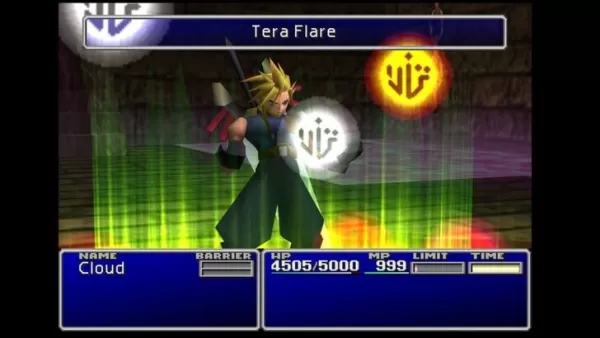
『FF13』の成功、ターン制見直しへ
『エクスペディション33』の成功を受け、ファイナルファンタジーシリーズがターン制戦闘システムの見直しを検討している可能性がある。Square Enixのターン制戦闘への見解や、シリーズ生みの親の退社後の同社の苦闘について詳しくは以下の通り。ファイナルファンタジーが原点回帰かSquare Enixはターン制戦闘を重視Square Enixは自らのルーツを受け入れ、ターン制戦闘を企業のアイデンティティの中核と見なしているようだ。6月25日の株主総会では、ドラゴンクエストやファイナルファンタジーといっ

Pixel Starships、シアンイド&ハピネスとのコラボを発表、新キャラクターと珍妙なユーモアが魅力
Pixel Starships は最新のコラボレーションイベントに新鮮な軽妙さを注入する愛されるウェブコミック『Cyanide and Happiness』が 8 ビット宇宙 RPG の舞台に参入テーマ付きミッションを完了し、新たに導入された商人と強力な武器を取引するSavySoda は Pixel Starships で愉快で eccentric なパートナーシップを発表し、Cyanide & Happiness の活気ある世界をレトロスタイルの宇宙冒険と融合させた。ファンは、人気コミックシリ
BlueDriver のようなアプリ

E-CAR Gọi xe ô tô điện
自動車と乗り物丨23.5 MB

현대/제네시스 인증중고차
自動車と乗り物丨62.0 MB
RHG ENERTÜRK
自動車と乗り物丨42.3 MB

Bus marshrutochka.bel
自動車と乗り物丨76.1 MB


最新のアプリ
ClassicReads: Novels & Fiction
図書と工具書丨38.5 MB

Filipino dating apps chat
通信丨18.80M

HG HYPER GRINDER
おしゃれな生活丨12.20M

Россети электротранспорт
自動車と乗り物丨23.7 MB
Tor OBD2 Diagnostics
自動車と乗り物丨10.6 MB


Ultimate Poser
アートデザイン丨170.6 MB
トレンドのアプリ
もっと +







トップニュース
もっと +
01
01-23
WWE 2K25 は 1 月 27 日に大きな影響を与える予定
WWE 2K25: 1月27日が鍵を握る
WWE 2K25 ファンの皆さん、準備をしてください! 1月27日はシリーズにとって重要な日になりつつあり、ティーザーでは重要な発表が示唆されている。 WWE の公式 Twitter アカウントからの不可解なメッセージと、さらなる情報を提供するとの約束によって、誇大宣伝が高まっています。
02
12-10
Civilization's Rebirth: After Inc への事前登録
絶賛された Plague Inc. -伝染病株式会社- の背後にあるスタジオである Ndemic Creations は、新しいゲーム: After Inc をリリースします。このゲームは、壊滅的な疫病を解き放つことから、悪名高いアンデッド作成の挑戦的な、ネクロア ウイルス後の文明を再構築するという Monumental タスクに焦点を移します。ペストによる病気
03
02-24
PokémonTCG拡張は、時空の冒険を発表します
PokémonTCGポケットの時空スマックダウン拡張:詳細な概要
PokémonTCGPocketは、最新のメジャーアップデートを開始し、PokémonDiamond and Pearlの周りにテーマになった新しいセットであるSpace Time Smackdown拡張を導入しました。 この拡張は、ダイアガとパルキアをテーマにしたブースターパックで利用可能です。
04
01-16
Zenless Zone Zero がバージョン 1.5 特別プログラムを確認 Livestream 日時
概要Zenless Zone Zeroは、バージョン1.5「アストラノミカルモーメント」の開始日を1月10日19:30(UTC 8)に明らかにしました。バージョン1.5では、Sランクキャラクターのアストラ・ヤオとエブリン・シュヴァリエが追加される予定です。バージョンについてはそれ以外はあまり知られていません1.5、ただし最近のリークでは多くの新しいコンテンツやイベントがからかわれています
05
01-21
ファイナルファンタジーアップデートでコントローラーの不具合を修正
FINAL FANTASY VII リメイクのパッチは、Steam、Epic Games Store、PlayStation 5 で入手可能です。このアップデートにより、コントローラーの振動モーターに関する問題が解決されます。 このゲームは、元ソルジャーであるクラウド・ストライフがアバランチに加わり、神羅電力会社による破壊を阻止する物語です。


